
ORBIT OS · 1.0 Public Beta 1 PUBLIC BETA
ORBIT OS
A security-research desktop by Cloudy_Day: Ubuntu 24.04 LTS + GNOME 46 with the ORBIT orb for navigation, ORBIT Hub, and a curated set of network, web, forensics and hardening tools from the official Ubuntu archive. Boots live from a USB stick or in a VM.
Download the beta (3.0 GiB)Report a bug / give feedback
Help us break it in: tell us what fails on your hardware. No account needed to download. No ads, no trackers on this page.
Read this before you download
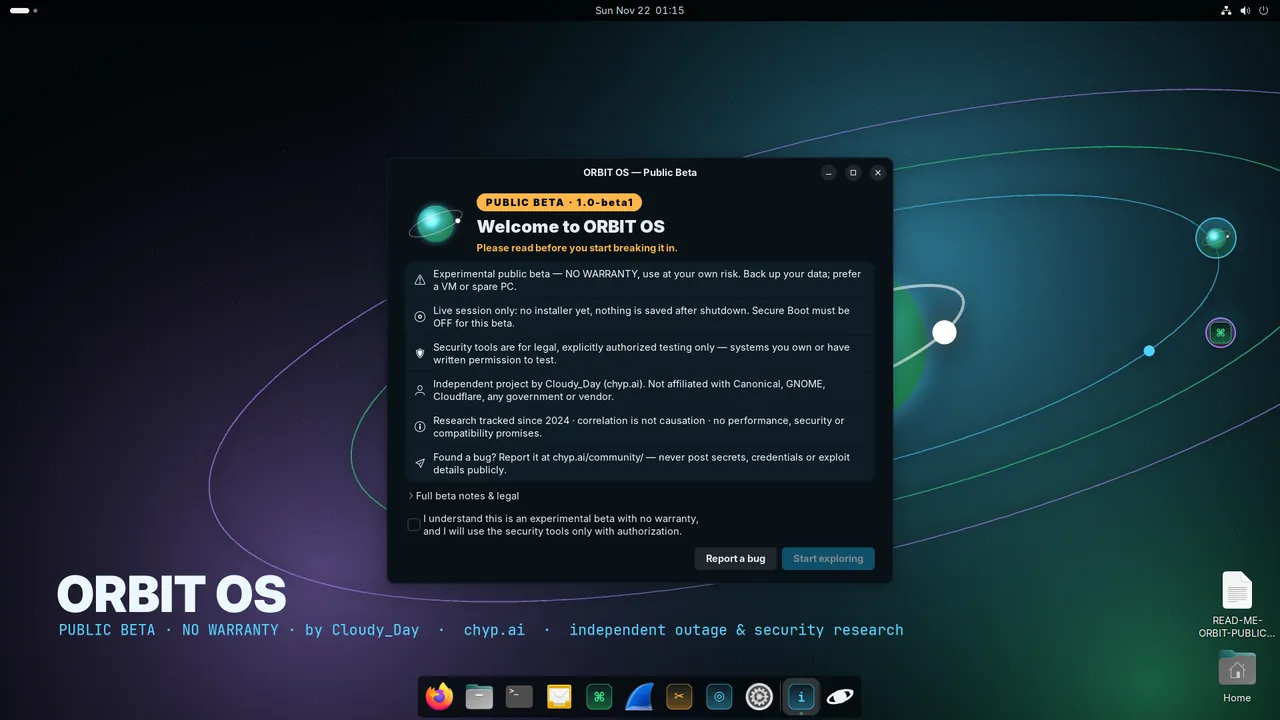
- Beta softwareExperimental and unfinished. Expect bugs, rough edges and breaking changes between builds.
- No warrantyProvided “as is”, without warranty of any kind, express or implied. No liability for any damage or data loss.
- Use at your own riskBack up anything important first. Don't run it on a machine you can't afford to lose.
- Live session onlyThere is no installer in beta 1. Nothing is written to your disks unless you do it yourself. Changes are lost on reboot.
- Secure Boot offBeta 1 is not Secure Boot signed. Disable Secure Boot in your firmware to boot it, and re-enable it afterwards.
- Authorized use onlyThe security tools are for learning, defence and testing systems you own or have written permission to test. Unauthorized scanning or access may be illegal where you live.
- Independent researcher, not affiliatedCloudy_Day / chyp.ai is independent. ORBIT OS is not affiliated with or endorsed by Canonical, Ubuntu, GNOME, Microsoft, or any tool's authors or any government agency.
- Correlation is not causationORBIT's outage data is tracked since 2024; anything the OS or the site shows next to an outage is context, not proof of cause.
Download
⬇ orbit-os-1.0-beta1-amd64.isoSHA-256 file
Size: 3.0 GiB (3,209,738,240 bytes) · Architecture: 64-bit x86 (amd64) · Boots: UEFI and legacy BIOS · Built: 21 Nov 2026
SHA-256: 7301c1e83cfb44f2aec25f37f68c52542604c0823e11b3f9848c17a7f62a755d
Verify
Linux:    sha256sum -c orbit-os-1.0-beta1-amd64.iso.sha256
macOS:    shasum -a 256 orbit-os-1.0-beta1-amd64.iso
Windows:  Get-FileHash .\orbit-os-1.0-beta1-amd64.iso -Algorithm SHA256   (PowerShell)
The hash must match exactly. If it doesn't, delete the file and download again. Downloads resume (HTTP Range supported).
How to boot it
- Insert a USB stick of 8 GB or more.
- Flash from file → pick the ISO.
- Select target → the USB stick → Flash.
- Device: your USB stick. Boot selection: the ISO.
- Click START. When asked, choose “Write in DD Image mode” (recommended; ISO mode is not supported for this image).
lsblk            # find the stick, e.g. /dev/sdX
sudo dd if=orbit-os-1.0-beta1-amd64.iso of=/dev/sdX bs=4M status=progress conv=fsync
macOS: diskutil list, then of=/dev/rdiskN after diskutil unmountDisk.
- VirtualBox, VMware, GNOME Boxes, virt-manager or QEMU/KVM: new VM, Linux / Ubuntu 64-bit.
- 4 GB RAM (8 GB for “load into RAM”), 2+ CPUs, attach the ISO as the optical drive. EFI or BIOS both work.
qemu-system-x86_64 -enable-kvm -m 4096 -smp 2 -cdrom orbit-os-1.0-beta1-amd64.iso
Apple Silicon Macs can't run amd64 at native speed; use an Intel/AMD PC.
Then boot from the USB stick (often F12, F11, Esc or F8 at power-on), with Secure Boot disabled. Pick ORBIT OS — PUBLIC BETA. If the screen stays black, choose Safe graphics. You land in the desktop as user orbit (no password; sudo works without one in the live session).
Screenshots
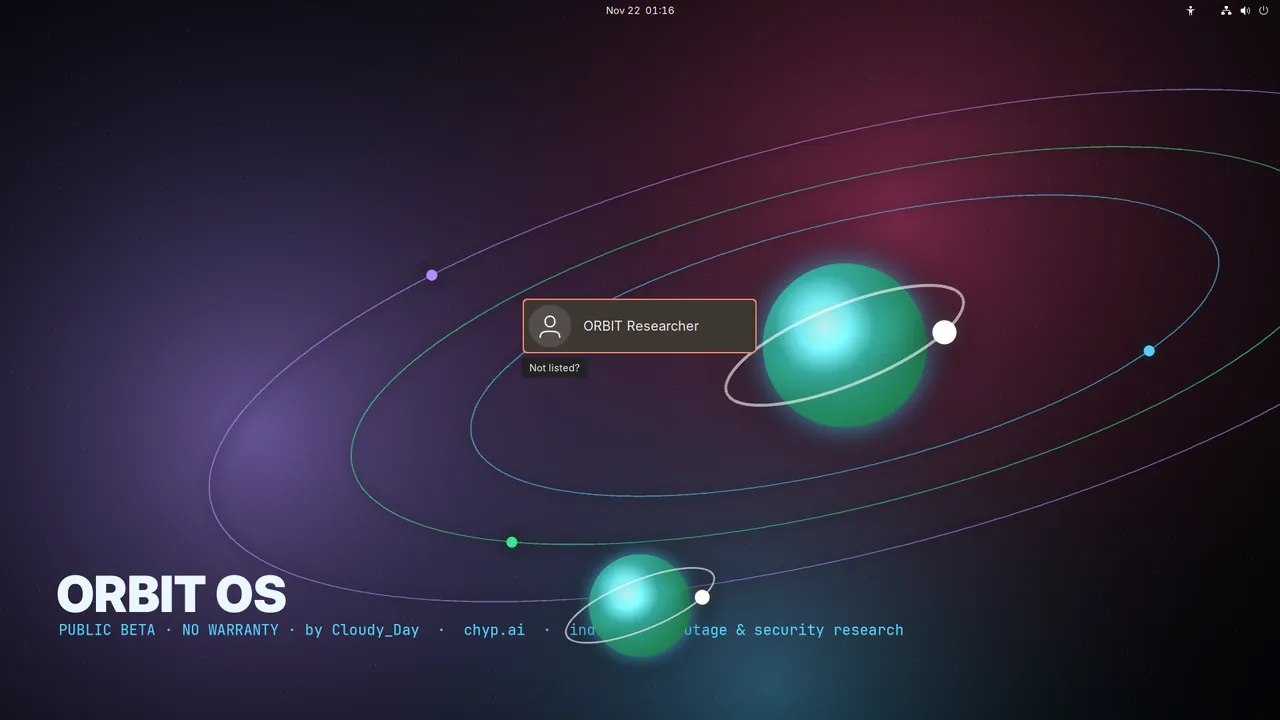
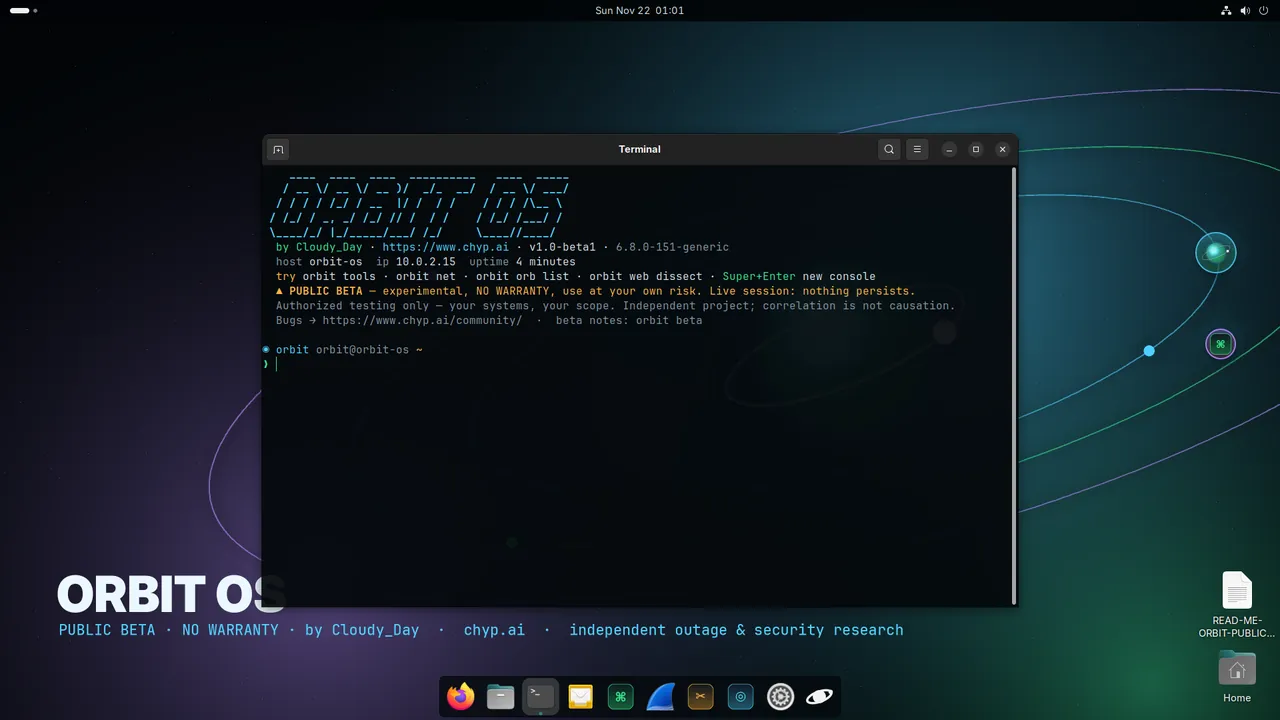
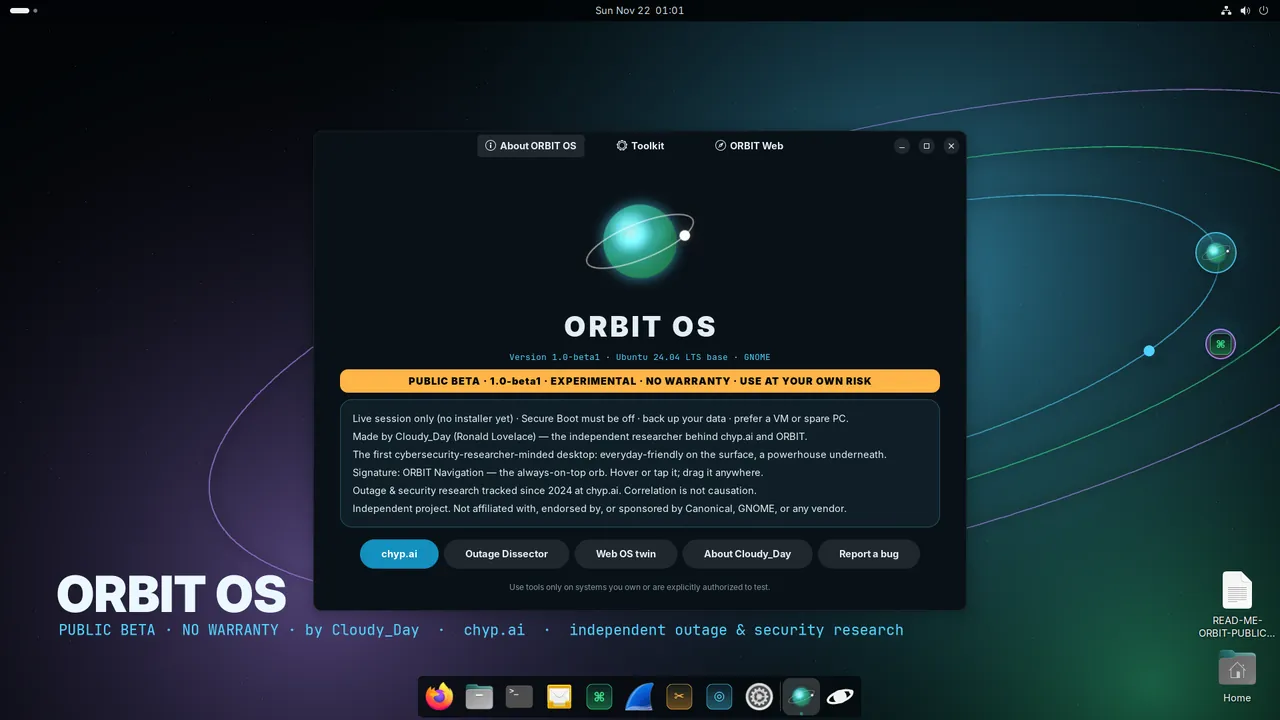
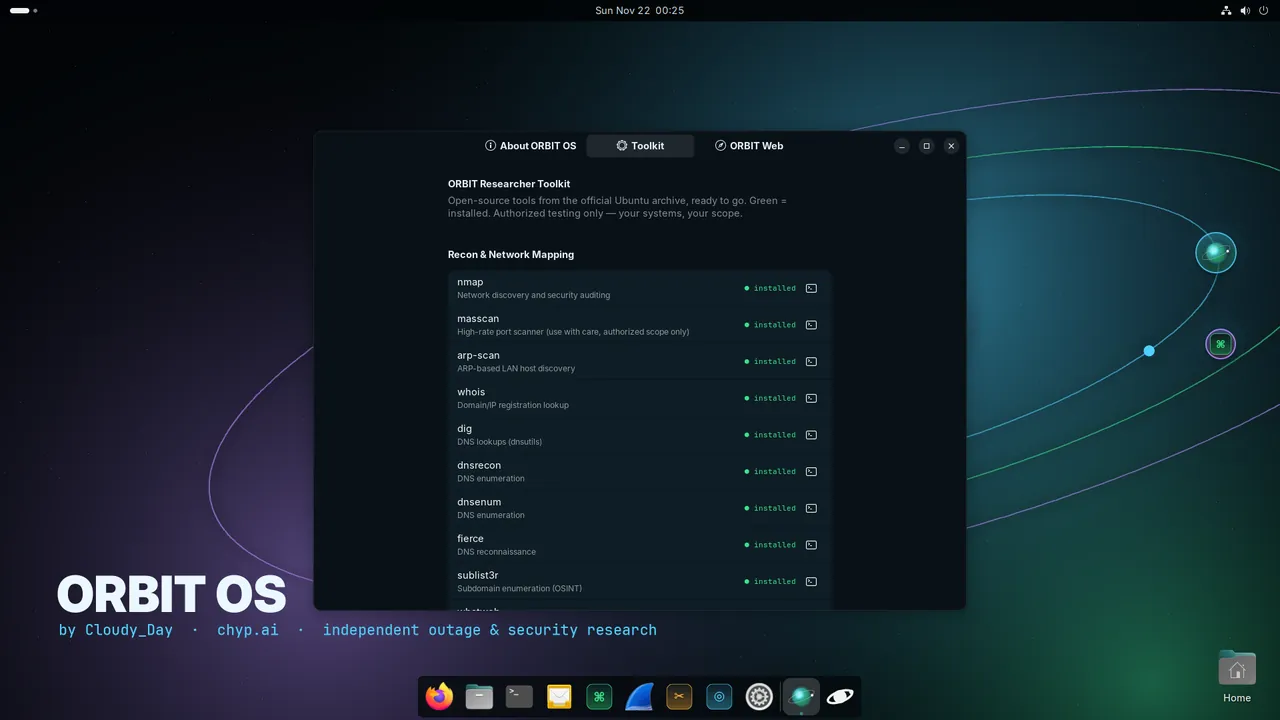
What's in beta 1
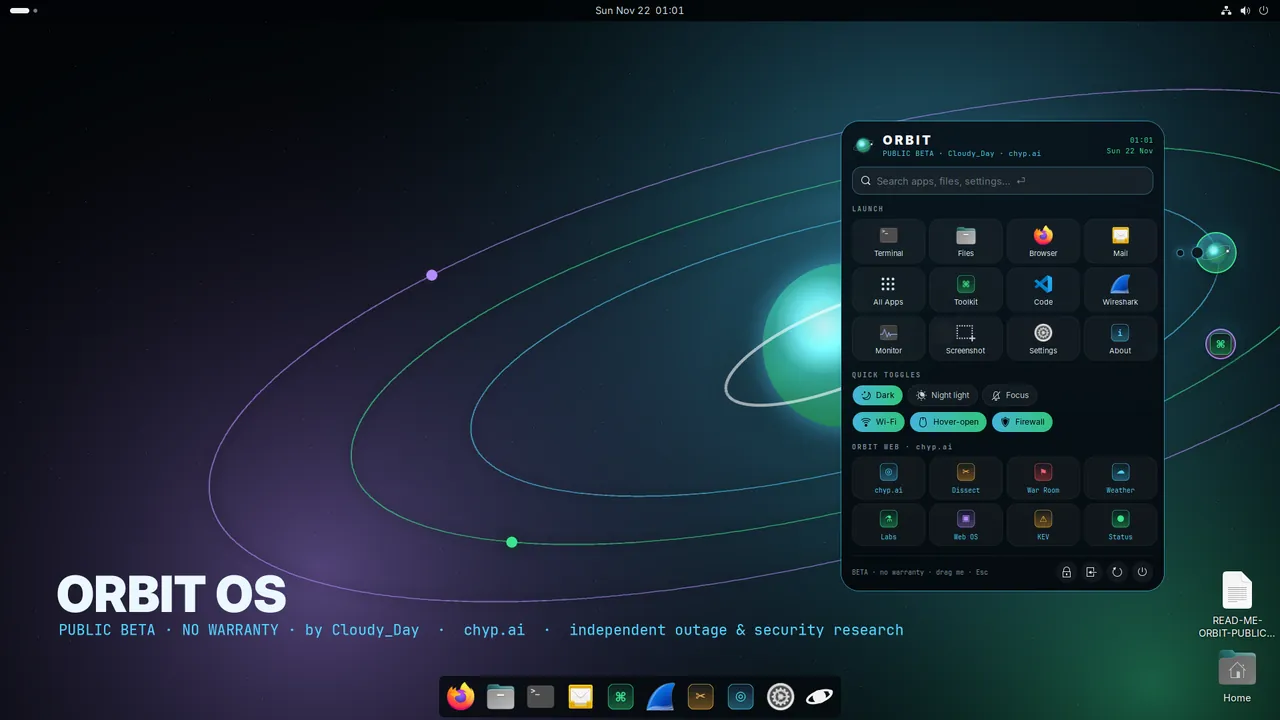
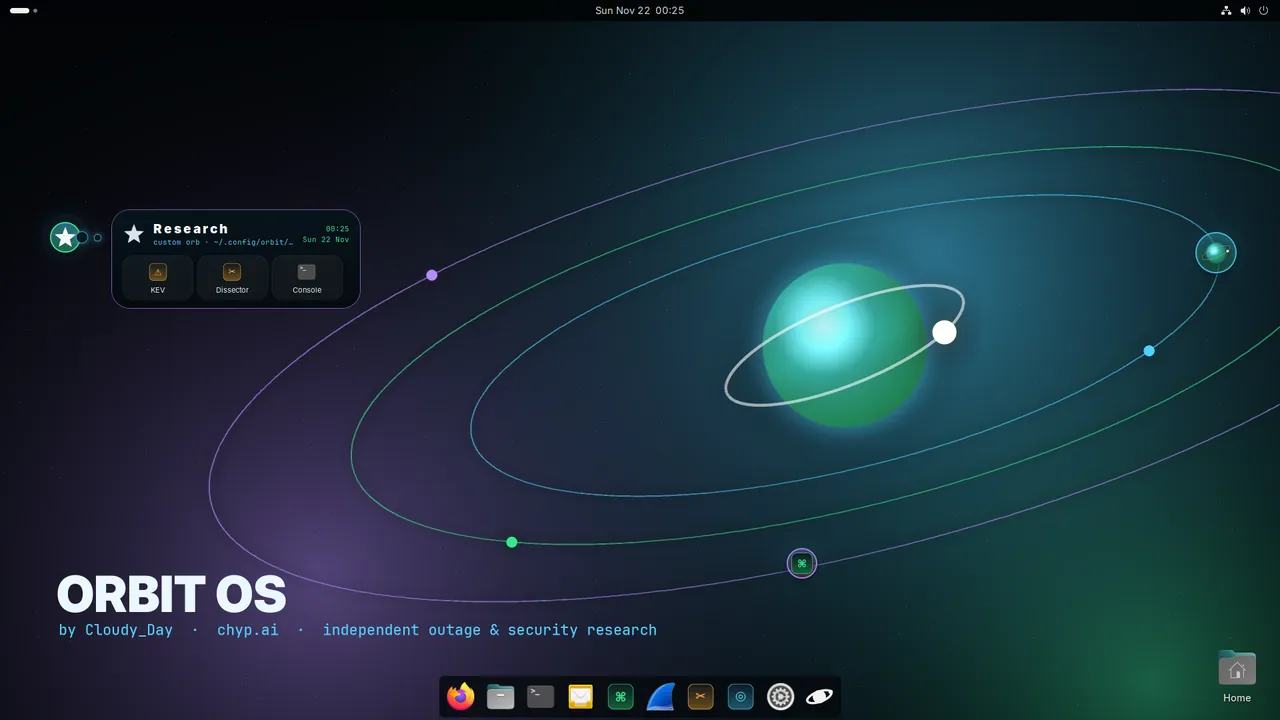
A floating orb you can drag anywhere. Hover or click to open apps, security tools, quick toggles (Wi-Fi, firewall, dark mode, Do Not Disturb) and search. Orbs live in ~/.config/orbit/orbs.json and reload live; add “quick” orbs for your own workflows.
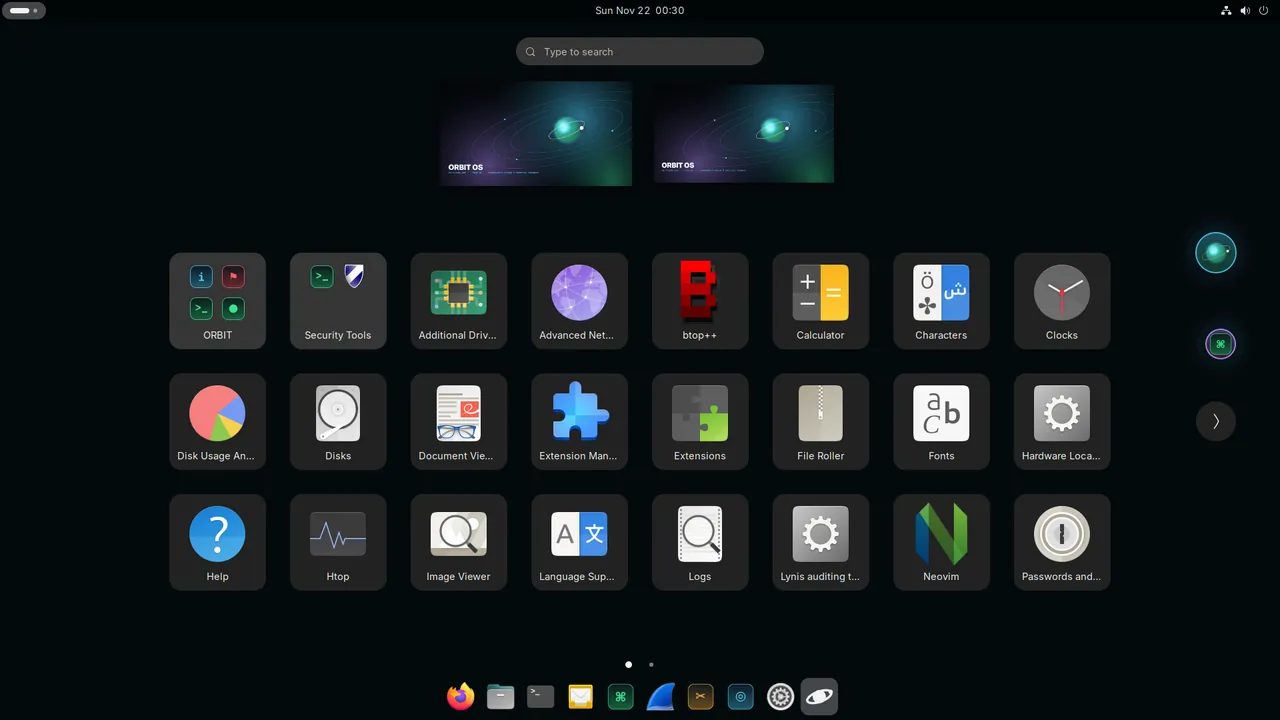
One window for the toolkit (grouped, with descriptions), network info, chyp.ai shortcuts and About, with a Report-a-bug button.
orbit about · tools · net · web · hub · orb · beta. A branded terminal banner with the beta warning and authorized-use reminder.
ufw firewall on; Tor, SSH server, ClamAV updater and container autostart off until you turn them on. No snaps: Firefox from Mozilla's APT repo, VS Code from Microsoft's repo.
Kernel, drivers and packages straight from the official Ubuntu archive. GNOME 46 with ORBIT theme, wallpapers, boot menu and splash.
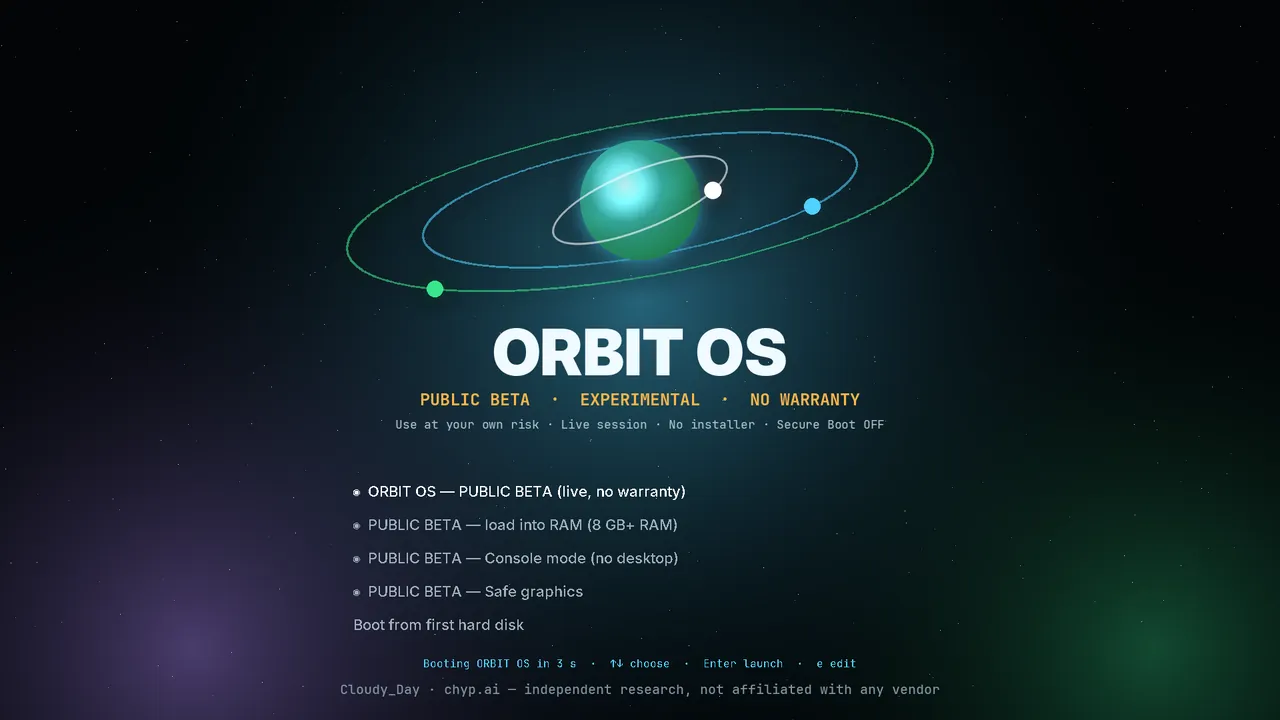
Live, load-into-RAM (8 GB+), console mode, and safe graphics, for UEFI and legacy BIOS from one hybrid ISO.
Tools included
nmap, ncat, ndiff, masscan, arp-scan, Wireshark, tshark, tcpdump, mtr, traceroute, iperf3, iftop, nload, nethogs, ethtool, socat, netcat
dig/host (dnsutils), ldns, whois, dnsrecon, dnsenum, fierce, sublist3r, curl, wget, HTTPie, whatweb, nikto, gobuster, ffuf, dirb, wfuzz, sqlmap, mitmproxy
OpenSSL, GnuPG, sslscan, testssl.sh
John the Ripper, hashcat, hashid, hydra, aircrack-ng
binwalk, foremost, TestDisk/PhotoRec, The Sleuth Kit, YARA, ExifTool, hexedit, xxd, radare2, gdb, strace, ltrace
Tor + torsocks (off by default), proxychains4, WireGuard tools, OpenVPN, OpenSSH (server off by default)
ufw firewall (on by default) + Gufw, nftables, Lynis, chkrootkit, rkhunter, ClamAV (freshclam off by default)
Python 3, pip, venv, pipx, Scapy, Impacket, requests, git, build-essential, CMake, jq, yq, VS Code (Microsoft repo), Podman
tmux, zsh, htop, btop, ncdu, tree, ripgrep, fd, fzf, bat, Neovim
99 packages, all from the official Ubuntu 24.04 archive except Firefox (Mozilla) and VS Code (Microsoft). OWASP ZAP is not in the Ubuntu archive and is not included.
Known issues in beta 1
- No installer: live session only; nothing persists across reboots (installer is the next milestone).
- Not Secure Boot signed: you must turn Secure Boot off.
- Big download (3.0 GiB); first boot from a slow USB 2.0 stick can take a few minutes.
- “Load into RAM” needs about 8 GB of RAM.
- Some GPUs (especially newer NVIDIA) may need Safe graphics; proprietary drivers are not included.
- The orb editor is JSON-only for now (a GUI editor is coming).
- Tested so far in QEMU/KVM (UEFI and BIOS); real-hardware reports are exactly what this beta is for.
- Apple Silicon and ARM devices are not supported (amd64 only).
Beta feedback
Found a bug, a boot failure on your hardware, or have an idea? Post it on the ORBIT OS board in CHYP Community. Include your hardware or VM, boot mode (UEFI/BIOS), and what you saw. Please report security problems in ORBIT OS itself privately (see security.txt), not in public threads.
Roadmap
- Installer + dual-boot guided install alongside Windows, Secure Boot via Ubuntu's signed shim, optional disk encryption
- Orb editor add, remove and move orbs, pick icons and actions, multitasking orbs, without touching JSON
- ORBIT Store + OTA updates curated tool bundles and over-the-air updates
- USB Lite a smaller image with persistence for everyday carry
- Web VM twin try the ORBIT desktop in your browser before you download
Roadmap items are plans, not promises, and dates aren't fixed.
Ubuntu is a registered trademark of Canonical Ltd. GNOME is a trademark of the GNOME Foundation. Firefox is a trademark of the Mozilla Foundation. Visual Studio Code is a trademark of Microsoft. Other names belong to their owners and are used only to describe what is included. ORBIT OS is an independent project and is not endorsed by any of them. Open-source licences of the included packages are in /usr/share/doc on the image. Also see CHYP OS, the in-browser lab.